Product tour
Taps you set up.
Eyes on the screen.
An auto clicker with image detection: it performs the taps, swipes and gestures you set up, and can wait for a picture, a colour or a word before it acts. No account. Free with ads; a one-time Pro removes them.
Free · One-time Pro · Android 7.0 and later
Taps and gestures
Tap, hold, swipe,
up to 10 fingers.
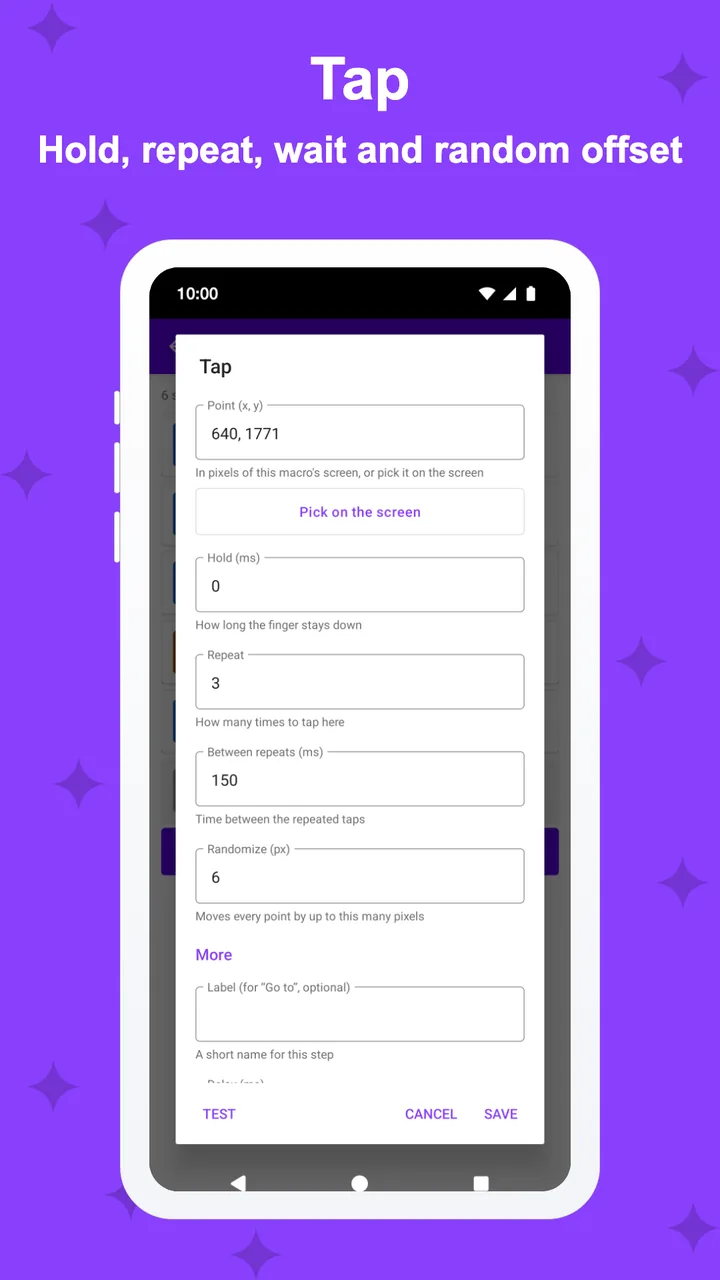
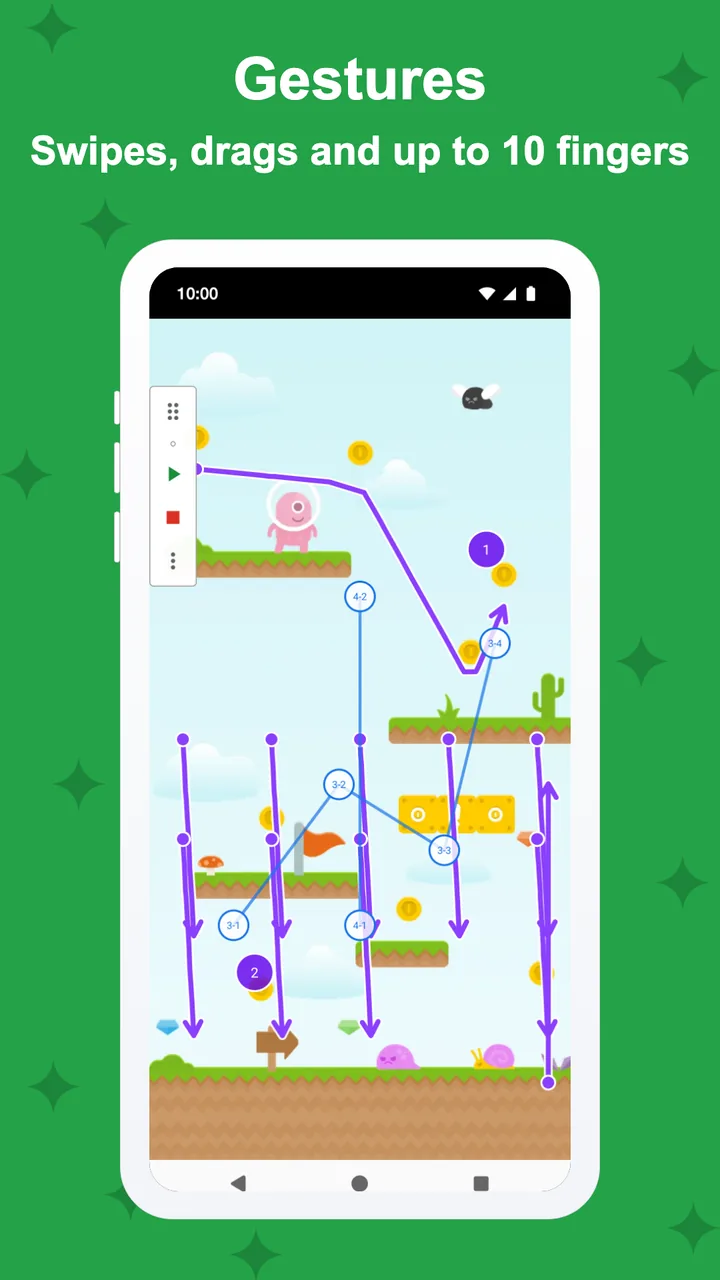
Taps with hold, repeat and delay, long presses, double taps, swipes, paths, pinch and zoom, and gestures with up to 10 fingers. Natural timing adds a random point and delay you choose.
- Hold, repeat, delay and natural timing
- Paths, pinch and multi-finger gestures
- Loops, waits, conditions and variables
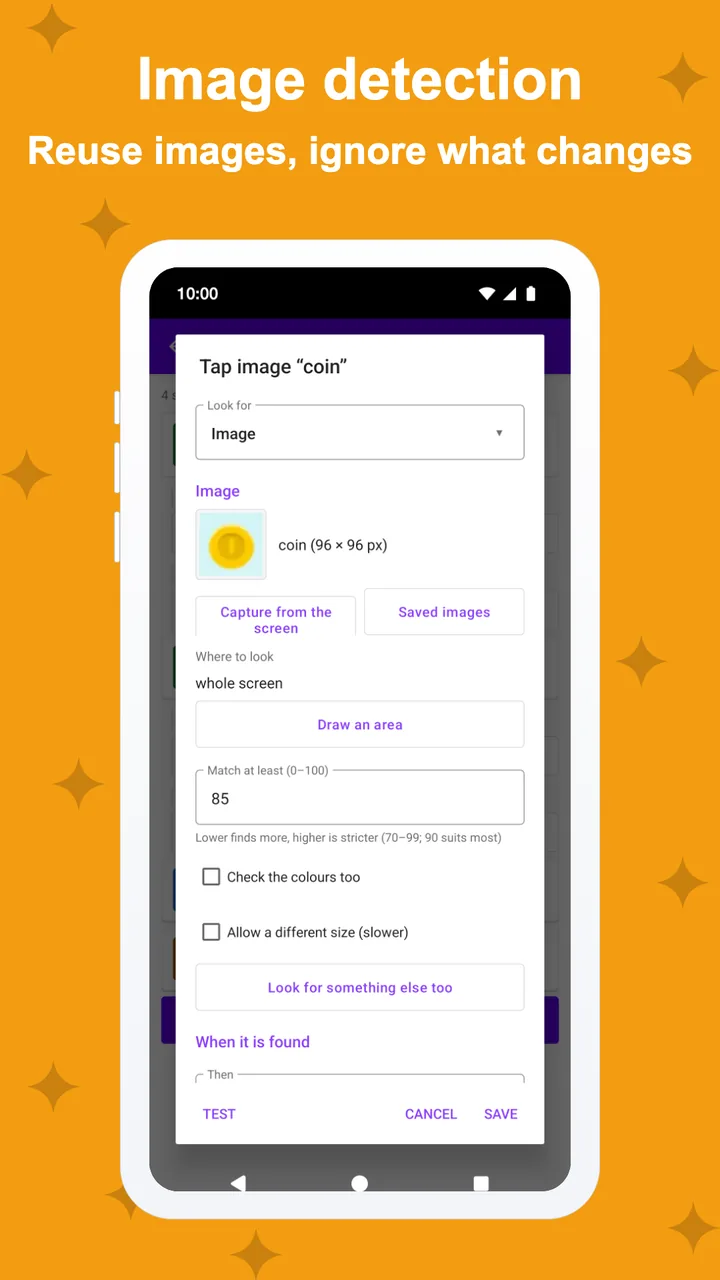
Image detection
Act when it appears,
or when it's gone.
Crop a picture from the screen and TapSight waits for it, then taps it, or reacts when it disappears. Keep your pictures in one library and paint over the parts that change, like a number. Each screen picture is checked in memory and dropped.
- Image and colour detection, free
- Image library: retake once for every macro
- Pro: masks, faster scans, unlimited images
Debugging
Why didn't it tap?
See it, then fix it.
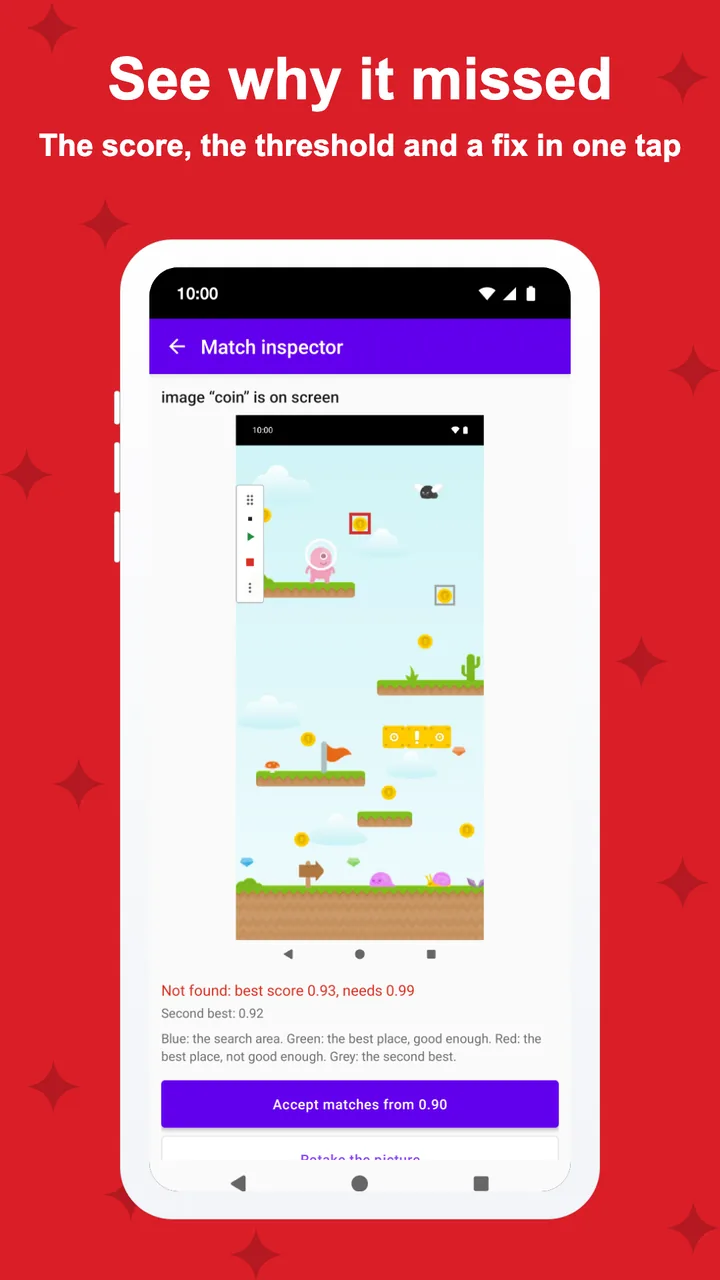
Run a macro step by step or stop at a breakpoint and see what the last check found. The match inspector shows the screen, the best match and its score against your threshold, with a fix in one tap.
- Debug run, step by step
- Match inspector with one-tap fixes
- Pro: breakpoints and failure pictures
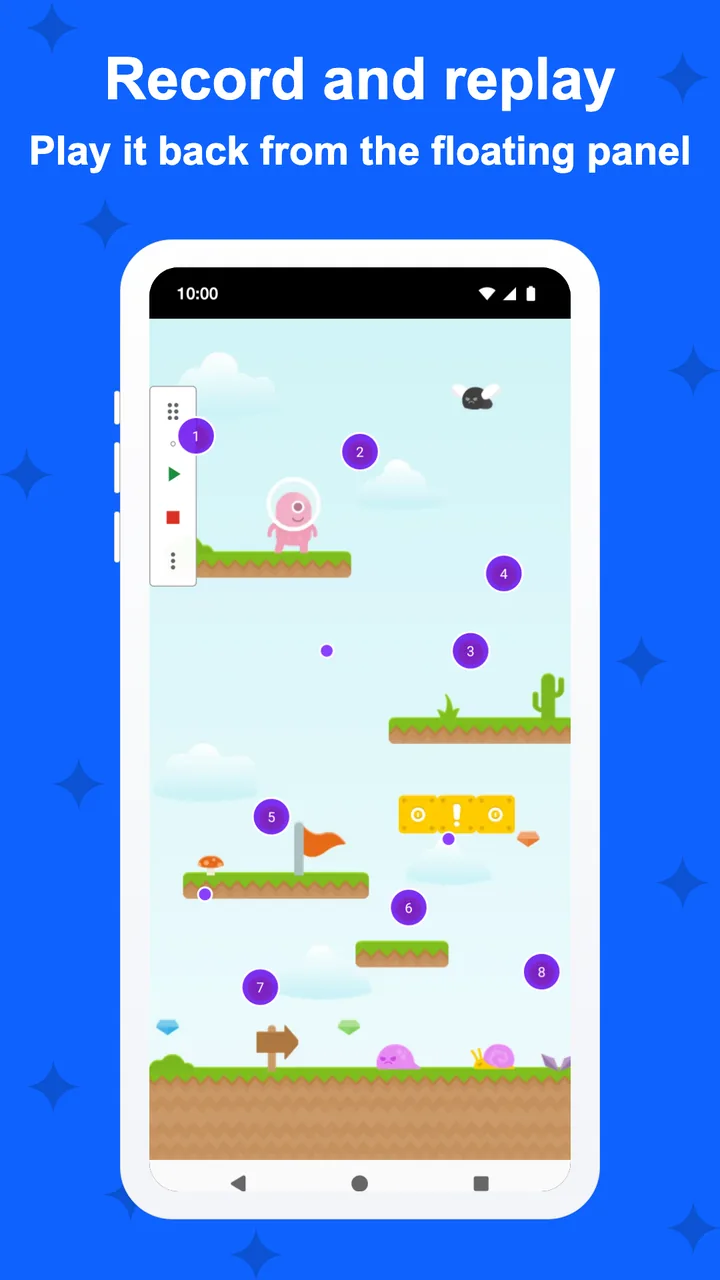
Record and replay
Do it once.
Replay it any time.
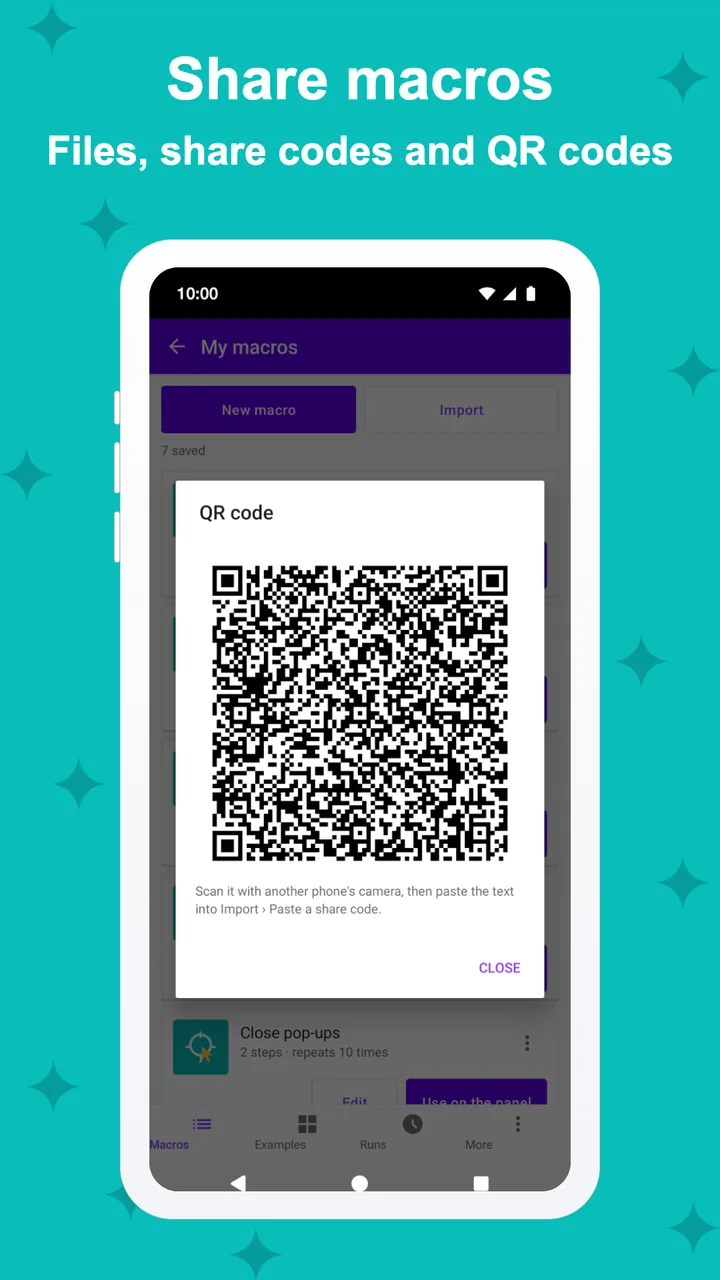
Record your taps and swipes, then edit them, reorder them and change the speed. Share a macro as a file; no account and no online store.
- Record, edit, reorder, change the speed
- Macro files you can share
- Examples to start from
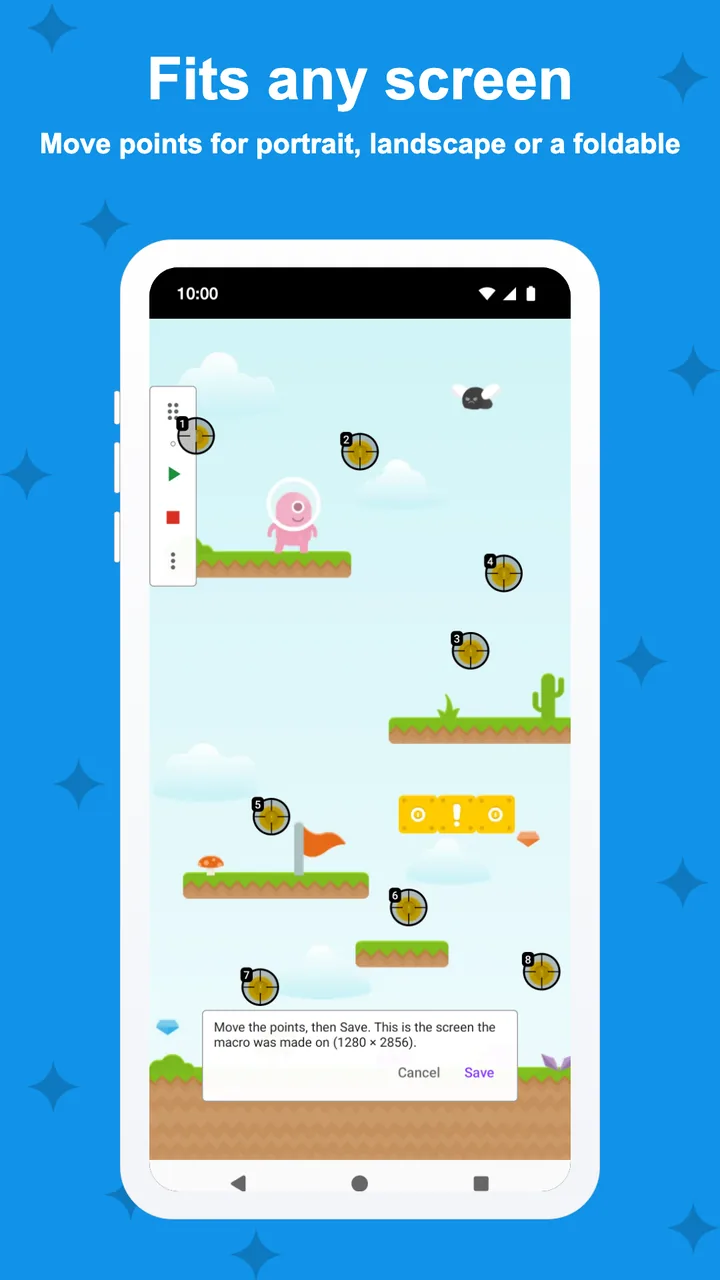
Quick start
Starts the way
you like.
Start the panel's macro from Quick Settings, a home-screen shortcut, the accessibility button or a key you choose, and let TapSight offer a macro when its app opens. Points adjust to portrait, landscape and foldables.
- Quick Settings tile and home-screen shortcuts
- Pro: hotkeys and app suggestions (opt-in)
- Layouts for any screen shape
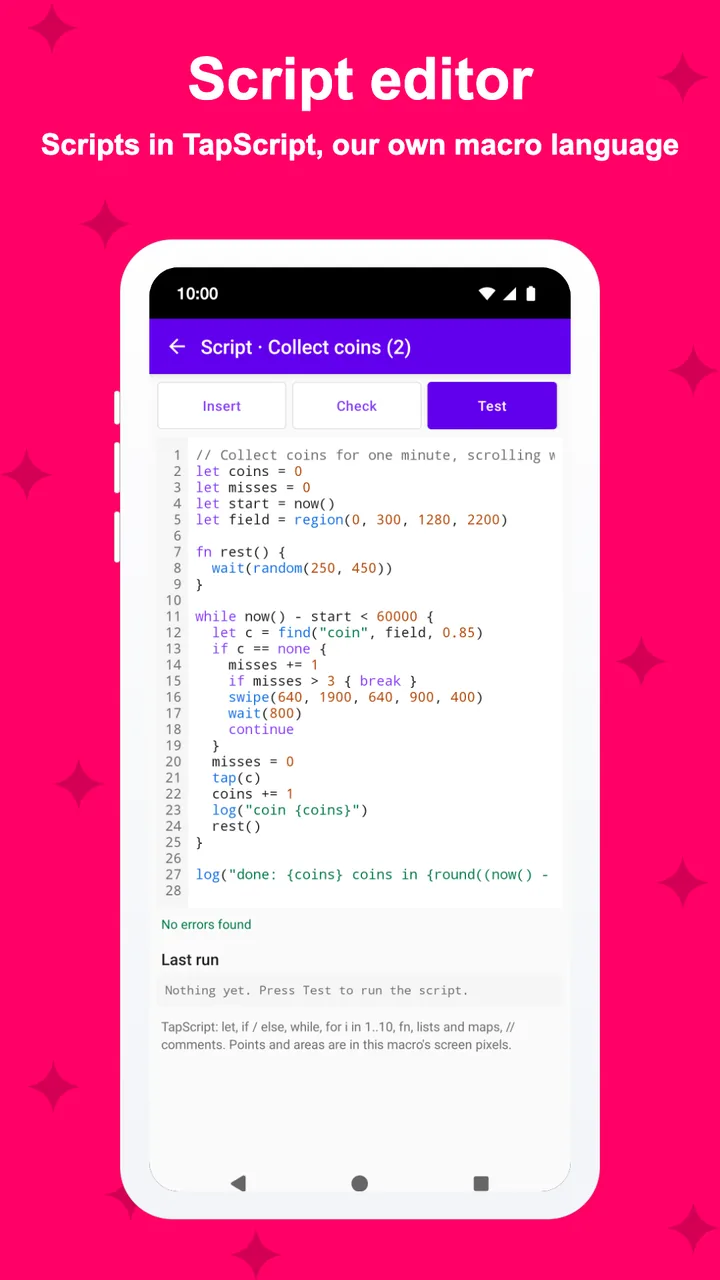
Text and rules (Pro)
Read the screen,
on your phone.
Pro recognises text on the screen with a model built into the app, so it works offline. Add rule mode with jobs, run forms and scripts when steps aren't enough.
- On-device text recognition
- Rule mode, run forms and scripts
- Dim the screen while a macro runs, full run log
Privacy
What it sees
stays on your phone.
TapSight looks at the screen only while a step you made waits for it, and drops each picture, unless you turn on failure pictures. It skips password fields and never sends what it sees.
- Pictures checked in memory; kept only if you turn on failure pictures (on your phone, 7 days)
- Never touches password fields
- No account; Pro removes the ads
And more
The small things,
done right.
Screenshots
Every screen,
exactly as it ships.
Every screen below is a real screenshot.